REV / WRITEUP
BrunnerCTF 2026 - Go Go Decompile
An employee at Brunnerne Inc has lost their license key for a program they were using to do some accounting work and needs us to retrieve it for them by decompiling the program that they use called Go Go BudgetMaster. They have given us a .zip file that contains the program we need to dig into. They make mention of using a “magic dragon” program which, of course, is a reference to everyone’s favorite decompiler; Ghidra.
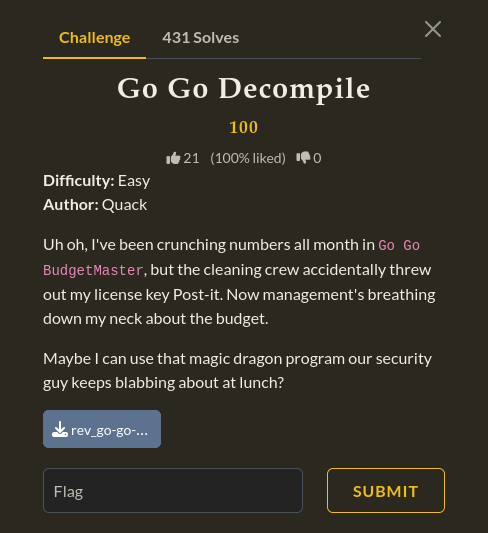
<- Let’s toss this into Ghidra and see what we’re working with ->
The first thing that we did was to analyze what type of file we were dealing with, so we unzipped the file and then we ran file go_go_budgetmaster in our terminal:

We now know that it is an ELF 64-bit LSB executable file. It is not statically linked, not stripped and compiled with debugging information. So, we then take this file and put it into Ghidra for it to run some initial analysis so we can start digging into it.
Ghidra does its analysis and we also receive a huge number of functions. Now, we already have an idea that this was probably written in the Go language based on the name of the file and this would make sense given the large amount of functions we can see in Ghidra. The reason for this is that with Go binaries, alot of the Go runtime and standard library gets compiled directly into the executable. We could begin sifting through thousands of functions in an attempt to make sense of them but the better strategy here is to simply look for interesting strings and variables.
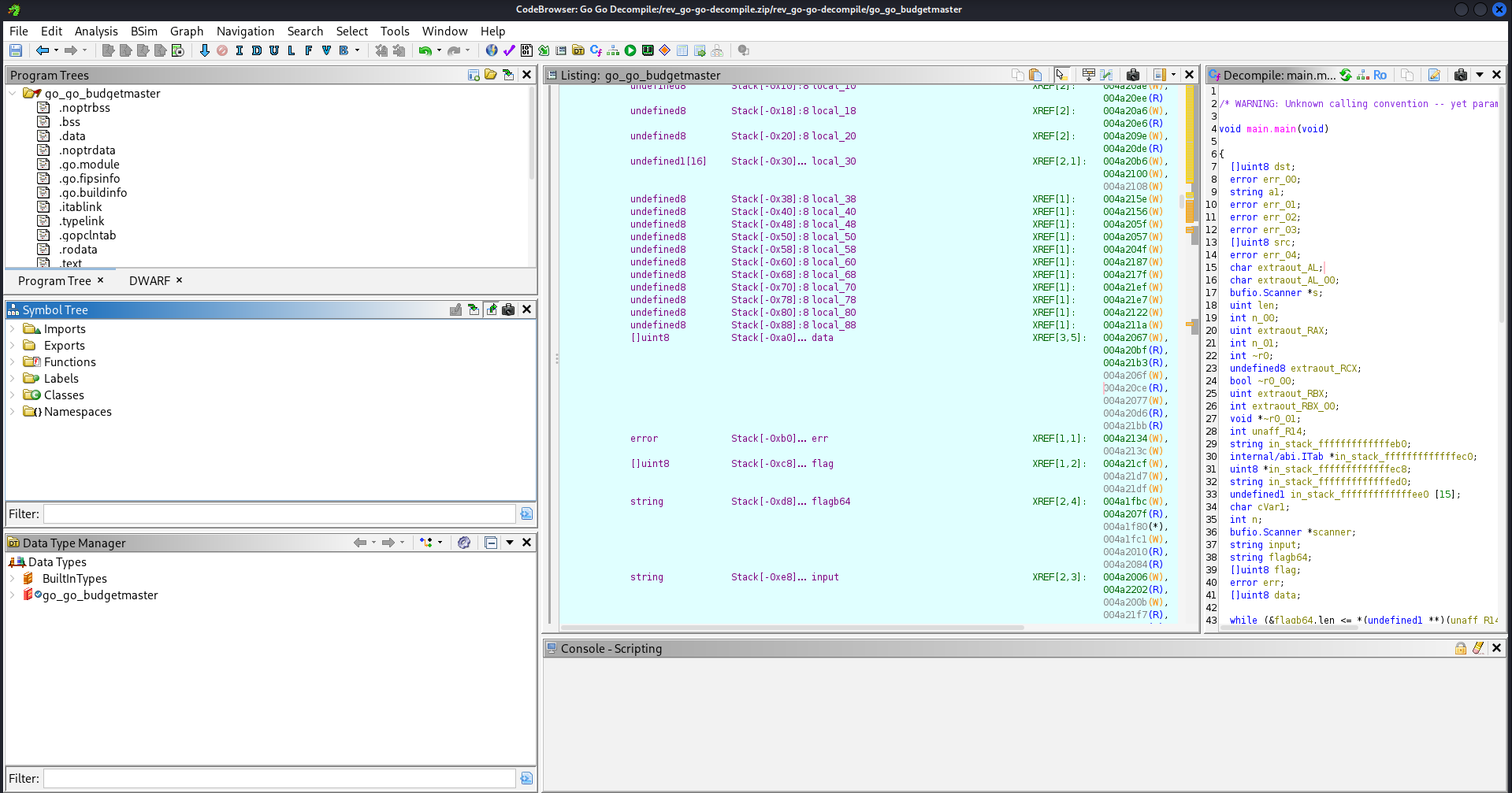
Now, we want to examine the main program logic. We will look for the program’s core functionality in the Functions folder found in the Symbol Tree pane on the left-hand side of Ghidra and click to expand the dropdown for that folder. Since we know that this program had not been stripped, we want to look for the main.main function. In programs written in Go, this is where you will find the primary logic for it.
With this function opened, if we scroll through the decompile window, we see the mention of string flagb64.
It is interesting to see flagb64 here because b64 is usually a reference to Base64. This tells us that the program contains a string that may be encoded in Base64 and it is very likely that that string is actually hiding the flag we are searching for. If we can find where that string lives, we could try to decode the base64 to see if it produces some human-readable text. Presumably, the output will be the flag.
Next, we will highlight the string we see in the decompile window and this will show us the address where this string resides.
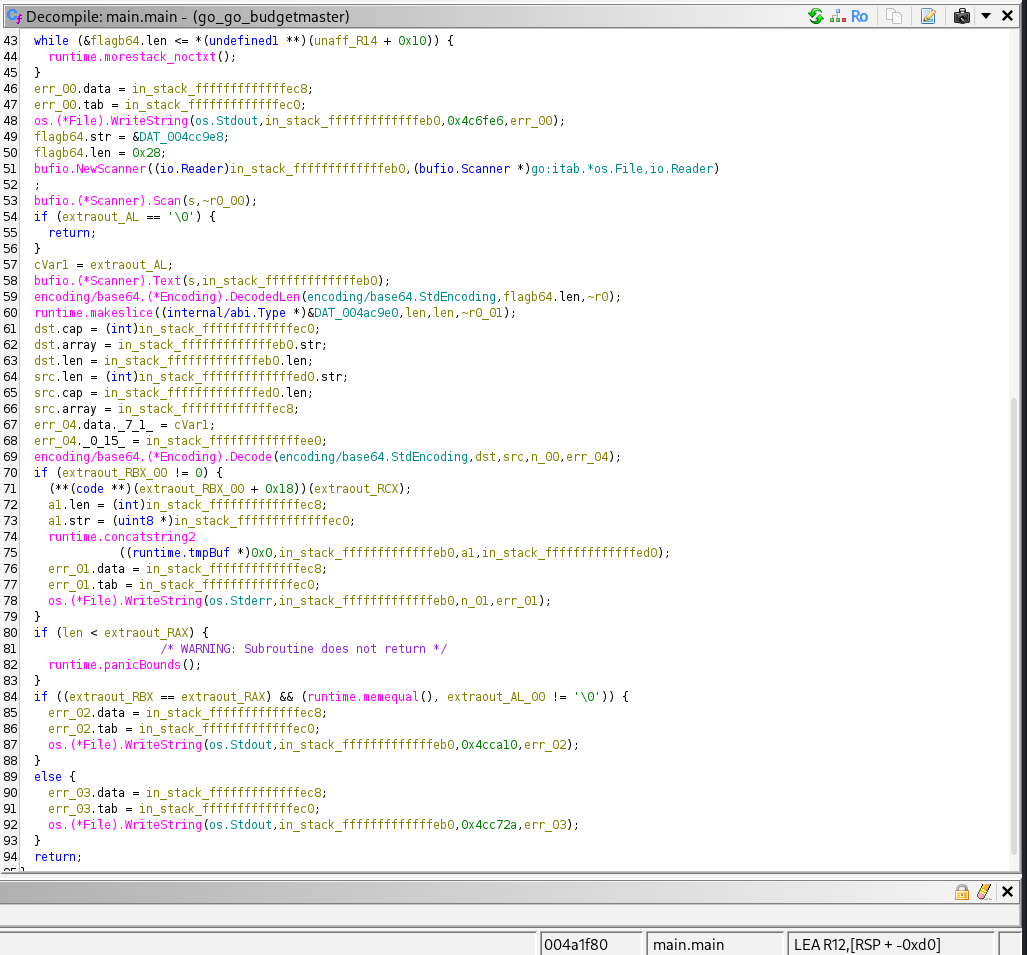
It displays this information in the Listing window. This is a data address that tells us there is some static data stored at the memory address represented by the hexadecimal 004cc9e8.
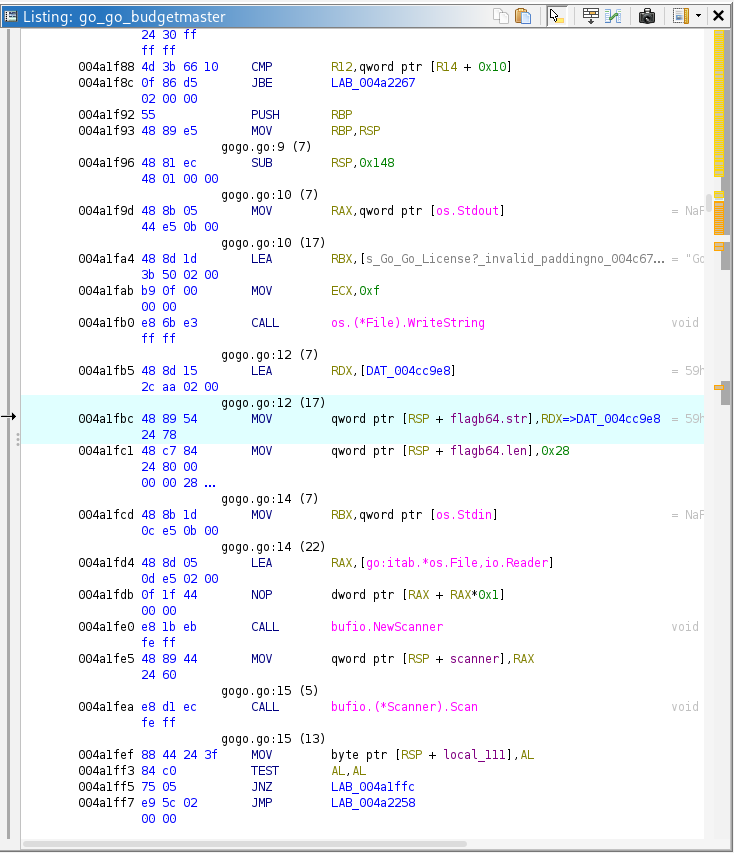
If we double-click the DAT_004cc9e8 data address we see in the listing window, it will show us the base64 string that has been referenced.
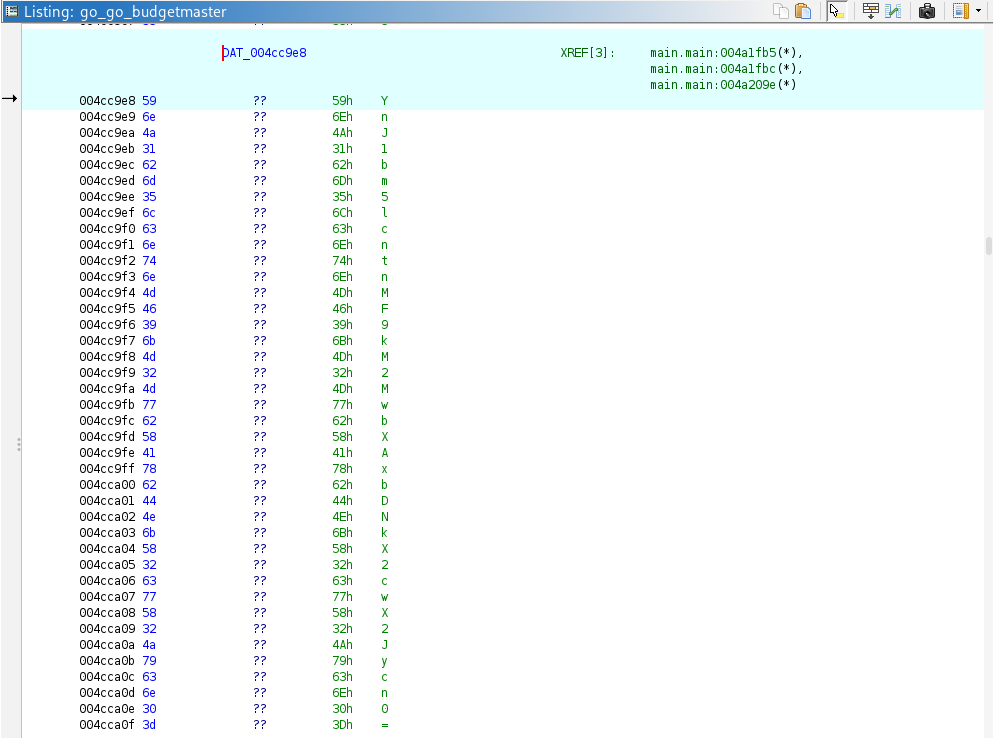
If we make note of that string of base64, starting at the top and moving downward through the string, we can compile the entire string one character at a time. We take that string and we run it through our terminal to decode it. What we get as a result, is some human-readable text… our flag!